
The upgrade failed because the SSH public key fingerprint of the Linux proxy does not match Veeam’s expectations. This typically happens when the proxy’s SSH keys are changed, the server is rebuilt, or the fingerprint stored in Veeam is outdated.
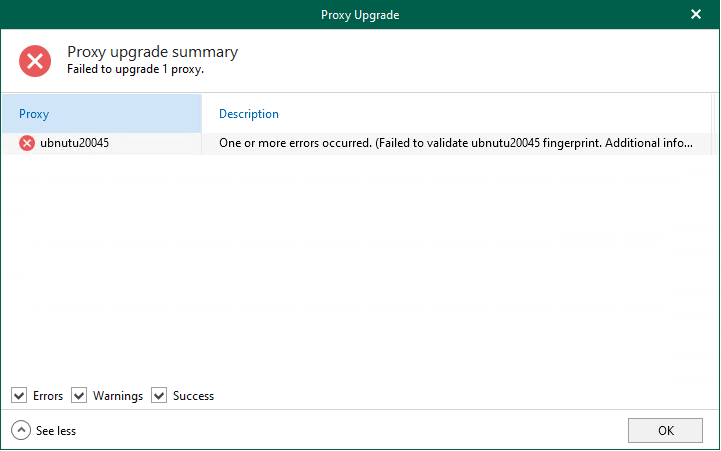
To resolve this, you need to revalidate and trust the new SSH fingerprint for the proxy in the Veeam Backup for Microsoft 365 console.
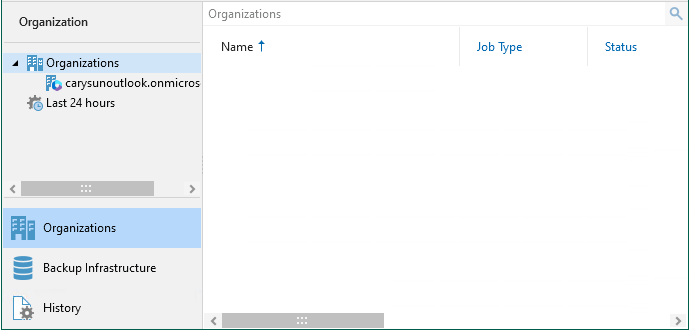
1.Open the Veeam Backup for Microsoft 365 console and select Backup Infrastructure.
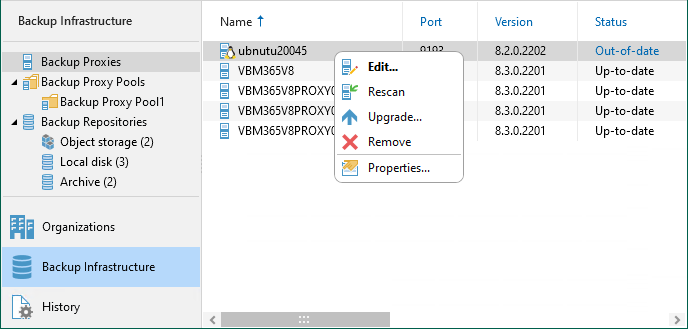
2.Right-click the Linux server and select Edit.
3.Click Next on the Specify DNS name or IP address of the proxy server.

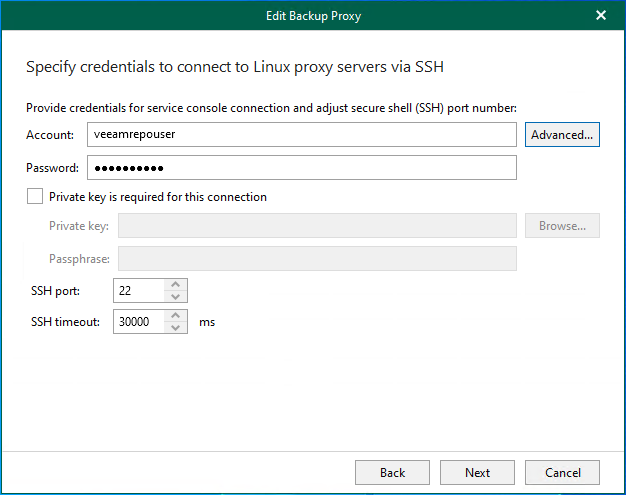
4.On the Specify credentials to connect to Linux proxy servers via SSH page, enter the account name in the Account filed.
5.Enter the password in the Password field and click Advanced.
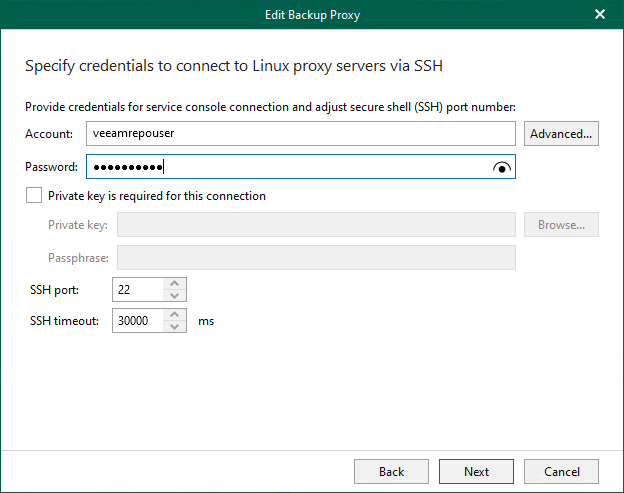
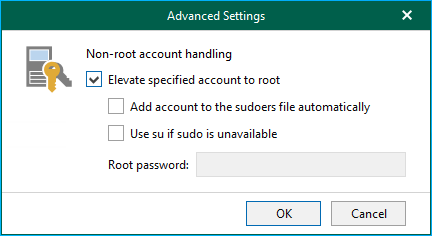
6.Select Elevate specified account to root in the Non-root account handling page and click OK.
7.Click Next on the Specify credentials to connect to Linux proxy servers via SSH page.
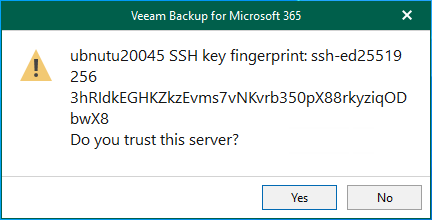
8.Click Yes to trust this server.
9.Click Next on the Specify accounts to run the proxy service page.

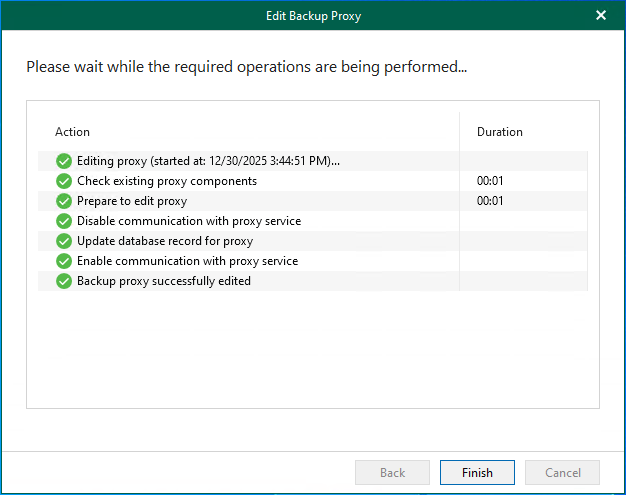
10.Ensure all required operations actions are completed successfully and click Finish.
11.Reboot the Linux proxy server.
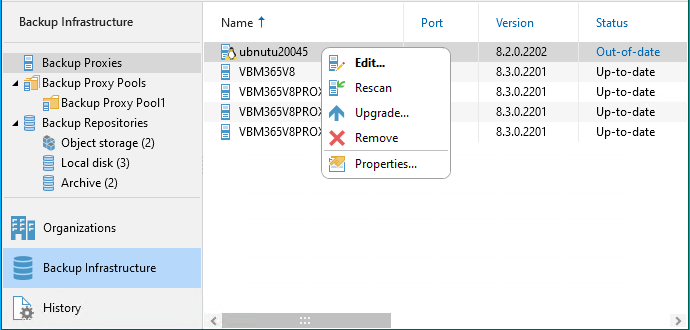
12.Right-click the Linux proxy server and select Upgrade.
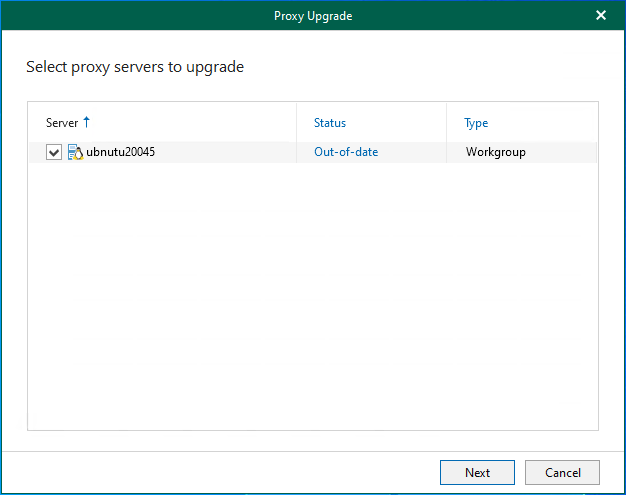
13.Click Next on the Select proxy servers to upgrade page.
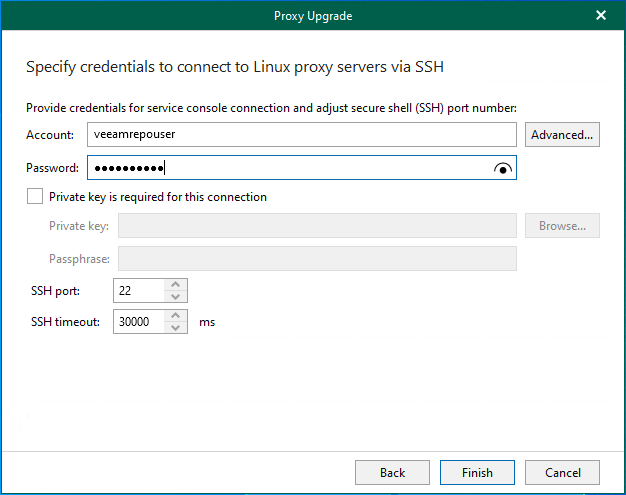
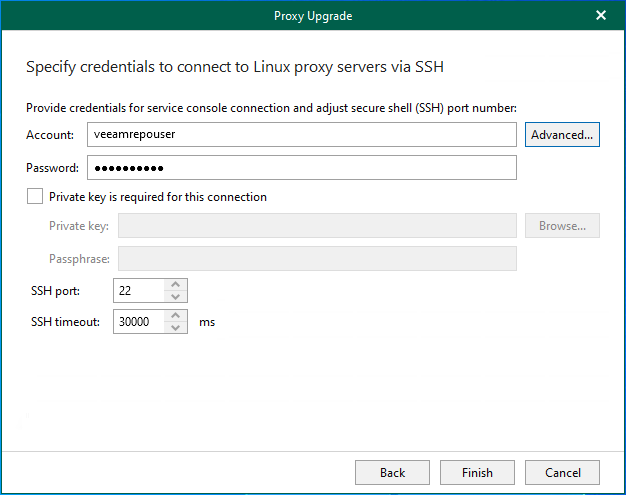
14.On the Specify credentials to connect to Linux proxy servers via SSH page, enter the account name in the Account filed.
15.Enter the password in the Password field and click Advanced.
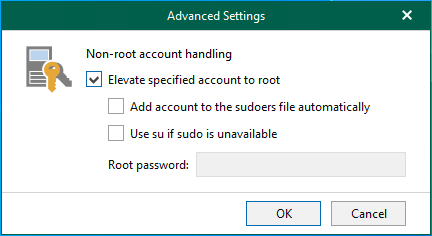
16.Select Elevate specified account to root in the Non-root account handling page and click OK.
17.Click Finish on the Specify credentials to connect to Linux proxy servers via SSH page.
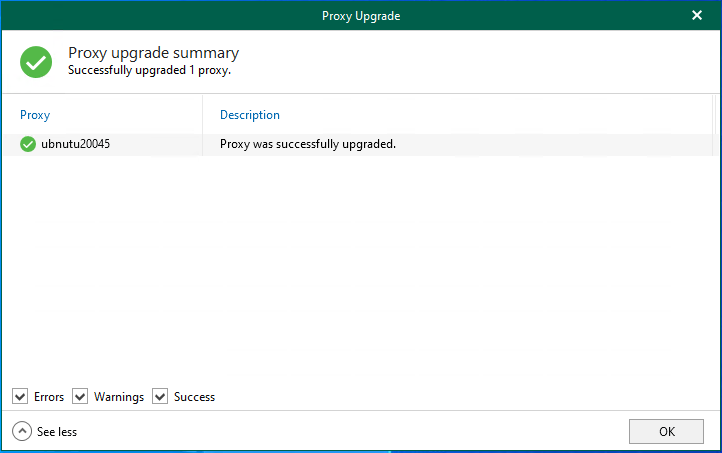
18.Ensure the Linux proxy server was successfully upgraded and click OK.
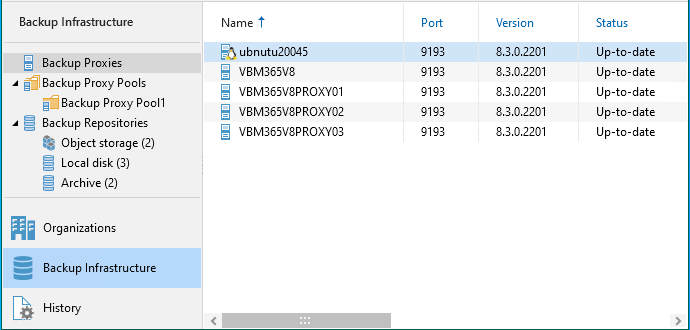
19.Review the version of the Linux proxy server.
I hope you enjoy this post.
Cary Sun
X: @SifuSun
Web Site: carysun.com
Blog Site: checkyourlogs.net
Blog Site: gooddealmart.com
Amazon Author: Amazon.com/author/carysun
About Post Author